A core that ships empty.
Blysis is a website platform you assemble. Install a store, a forum, a ticket desk or sign-in with Steam from a built-in marketplace, and the parts you skip leave no trace in the code.
91 modules · MIT licensed · One command to install
$ curl -fsSL https://blysis.com/install.sh | sudo bashWhat you can install
Pick what the site is for.
Each of these is a module you install from the admin panel. Nothing below is written by hand, and nothing you do not install exists in the code.
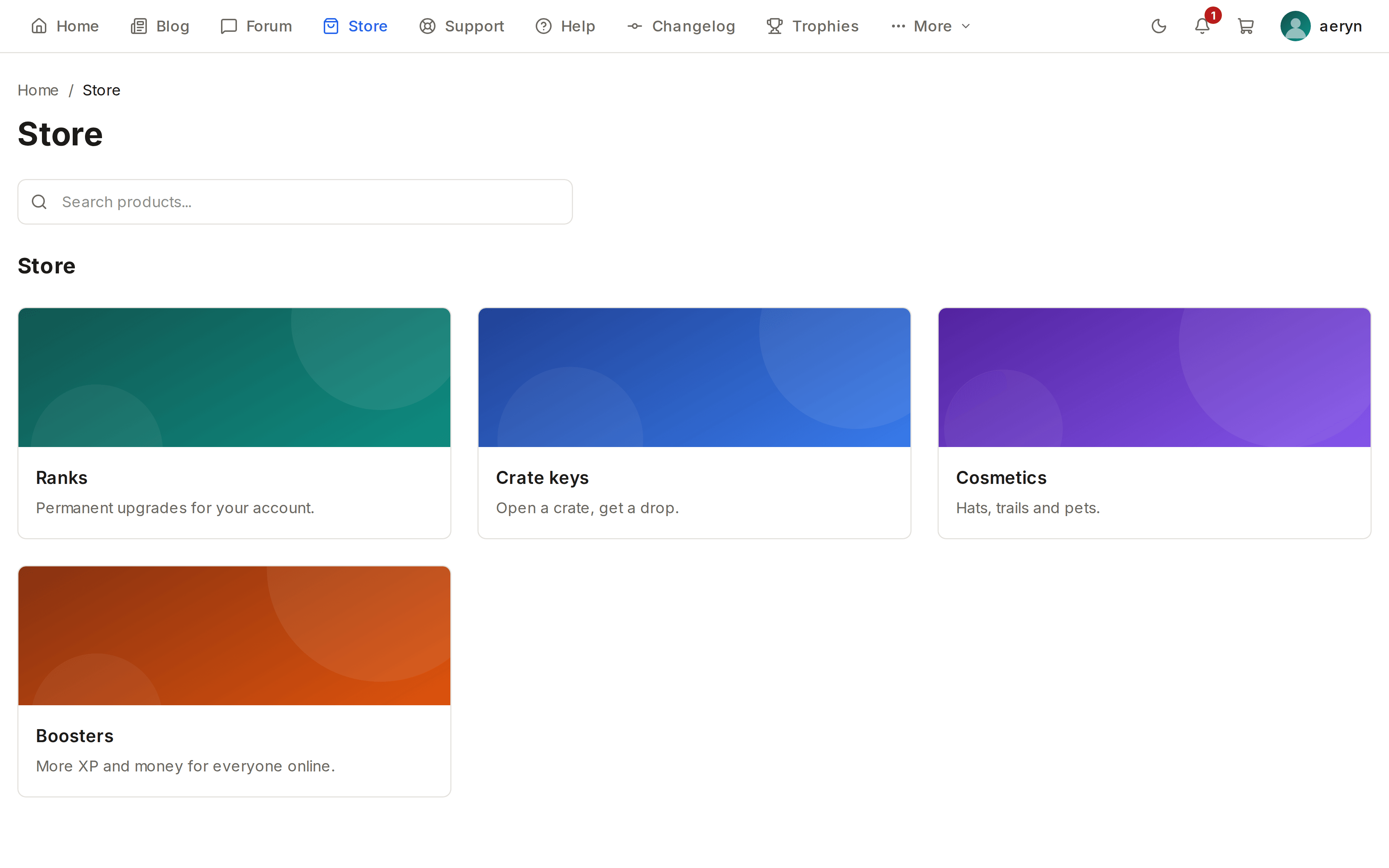
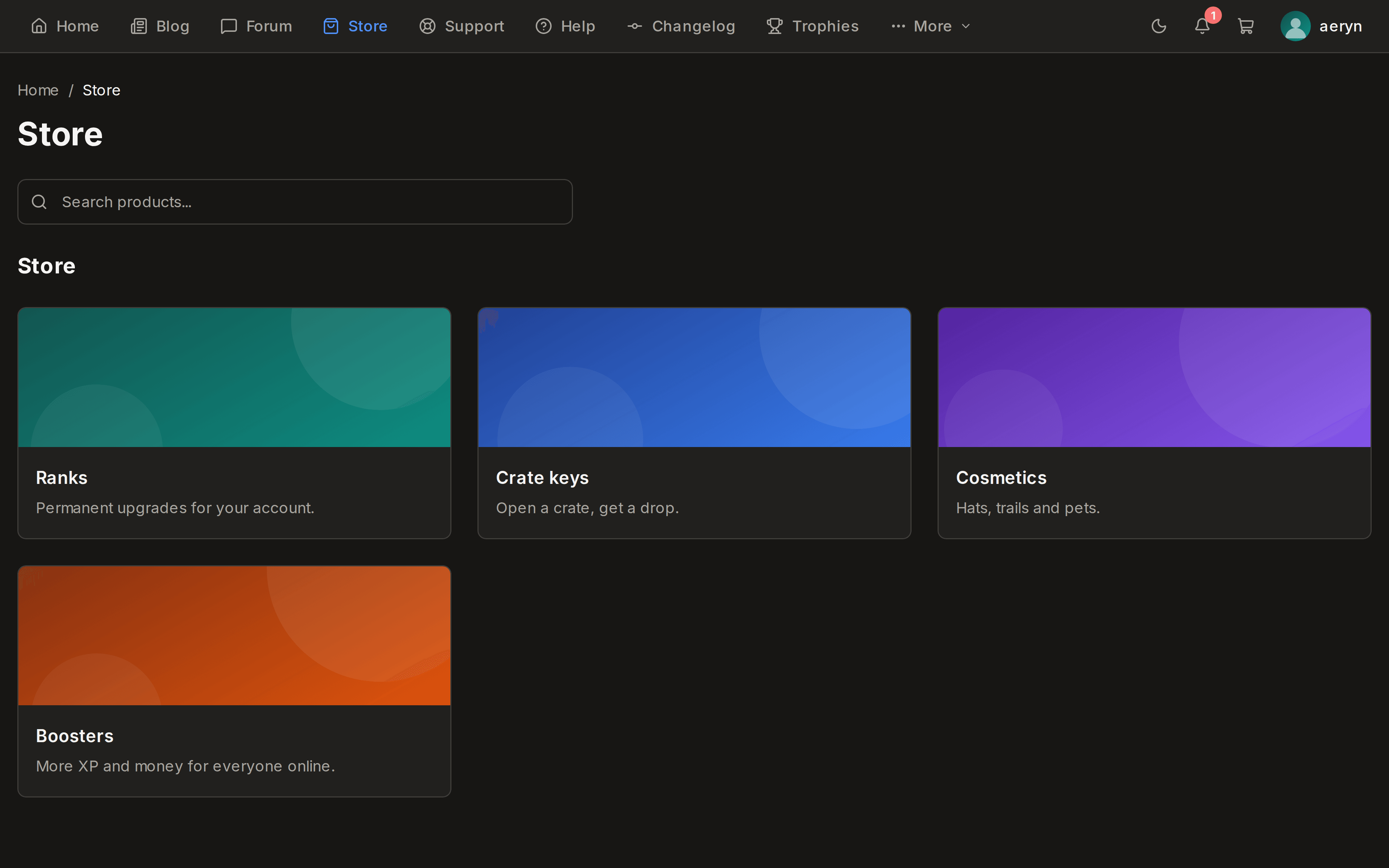
Store
Products, categories, a cart and orders. Sell one-off items, subscriptions or anything you deliver yourself.
Forum
Categories, topics and replies, with the moderation queue and the permissions the core already has.
Support desk
Tickets with departments and priorities, so a question from a member reaches the person who answers it.
Game servers
Live status, player counts and RCON for the servers you run, on a page your members can see.
News
Articles with categories, tags, comments and a cover image, and an index that pages properly.
Trophies
Achievements your members earn, awarded by rules you write rather than by hand.
Sign in with Steam
One module per provider, so the login page carries exactly the buttons you installed and no others.
and 24 more like it
Take payment
Cards, wallets and subscriptions through Stripe. Every gateway is its own module and none is wired into the core.
and 14 more like it
- 91
- modules
- 25
- sign-in providers
- 15
- payment gateways
- 2
- languages, both first class
How it is built
Three layers, and the first one knows nothing about the other two.
No module name, no module path and no theme name appears anywhere in the core. Three checks fail the build if that stops being true.
01
Core
Accounts, roles, permissions, languages, navigation, rate limits, uploads, SEO. Everything a site needs and nothing a particular site is about.
02
Modules
The features. Each one declares what it adds in a single manifest file, and reaches the core through a published SDK rather than through its internals.
03
Themes
Presentation. Colours, fonts and component overrides in one manifest, with light and dark living in the same file rather than in two themes.
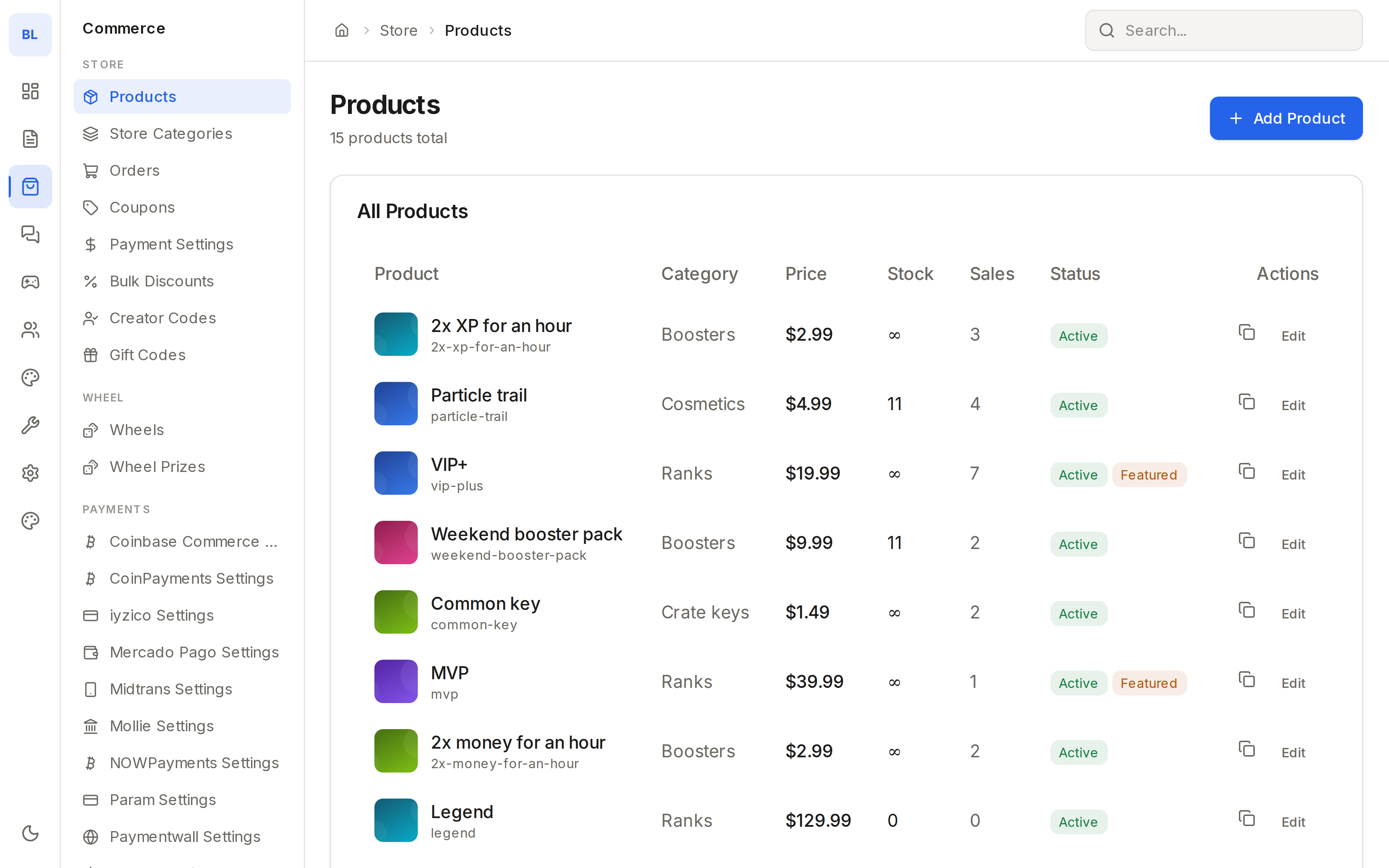
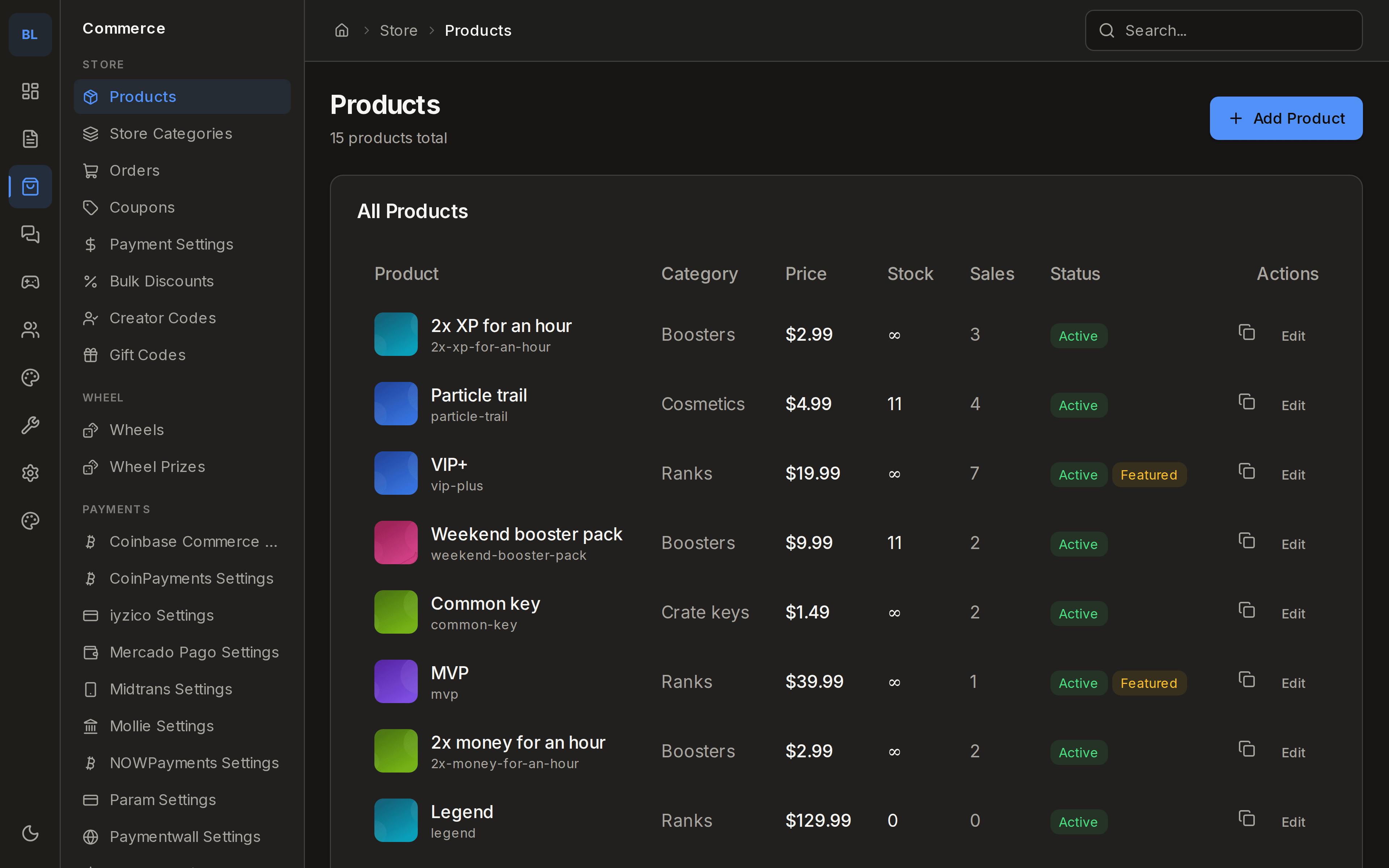
The admin panel
Everything is administered from one place.
Install a module and its screens appear in the sidebar, in the operator's language, in the section the module said it belongs to. Disable it and they are gone, with the data left where it was.
The marketplace
91 modules, installed from inside the site.
Pick them in the admin panel and the app installs, migrates and rebuilds itself. Or upload a ZIP you wrote yourself.
Running it
One command on a fresh machine.
It installs Docker if the machine does not have it, generates every secret, starts Postgres and Redis, waits until the site answers, and prints the address and the first password. Give it a domain and it obtains and renews the certificate too.
$ curl -fsSL https://blysis.com/install.sh | sudo bashAfterwards the machine has a blysis command.
- update
- backup
- restore
- logs
- status
- restart
Three ways to run it
Yours, ours, or somewhere in between.
Self-hosted
Free
forever, and that is the whole price
Your machine, your database, your backups. Every module in the catalogue, no limits of any kind.
Managed hosting
Coming soon
not open yet, and not taking sign-ups
We run the machine, the database, the backups and the upgrades, and you administer a site instead of a server. It is not open yet and there is nothing to join; when it is, it will be announced here and in the repository.
Paid modules and themes
Coming soon
every module that ships today is free
The marketplace will carry paid modules and themes alongside the free ones, from us and from other authors. The format a module ships in is already stable, so nothing written today is wasted.
In the free version, which is all of it today
- 91 modules
- Every payment gateway
- Every sign-in provider
- Themes and the theme editor
- Roles and permissions
- Two languages
- The REST API and API keys
- Backup and restore
Questions people ask first
Is it really free?
The platform is MIT licensed and the source is public. Run it on your own machine and there is nothing to pay, no seat count, no traffic limit and no feature held back for a paid tier.
What do I need to run it?
A 64 bit Linux machine with 2 GB of memory for a small site, and a domain if you want HTTPS. The installer brings Docker, PostgreSQL and Redis with it. If you would rather run it yourself: Node 24 and PostgreSQL 14, with Redis required in production.
What happens when I install a module?
The app extracts it, creates its tables, runs its migrations and rebuilds itself, then restarts. A module ships React server components and those are compiled, so there is no runtime loader. Expect seconds to minutes, and run the app under a supervisor so it comes back up.
Does installing a module take the site down?
Briefly, while the process restarts. A rebuild that fails does not: the previous build keeps being served, so the admin panel stays reachable and the module can be removed. Install during a quiet window on a busy site.
Can I write my own module?
Yes, and it is the point. A module is a directory with a manifest. It reaches the core only through the published SDK, and a checker refuses one that reaches past it, so an upgrade of the platform cannot quietly break it.
Can I move an existing site onto it?
There is no importer for another platform's database. What there is: a CSV import and export module for users and orders, and an API under /api/v1 with a key you issue yourself, which is how most people move the data they care about.
What if I stop wanting a module?
Disable it and it vanishes from every screen with its data untouched. Uninstall and its files go, while its tables and any translation an admin edited stay, so reinstalling it finds everything where it was.
Is there a demo I can click through?
Not a hosted one yet. The install takes about three minutes on a fresh machine and gives you the real thing with your own data, which is a better test than a demo everyone else is also clicking on.
Start with an empty core.
One command, and the site is up. Add what it needs from there.
$ curl -fsSL https://blysis.com/install.sh | sudo bash